If you’re sick of podcast equipment guides with too much information and just want an easy-to-follow list of things to get your podcast going ASAP, this guide is for you.
You don’t need a studio or expensive gear to start a podcast. What you need is a podcast equipment setup that delivers clear audio, clean video, and can scale as you grow.
What Equipment Is Needed for a Podcast?
At its core, podcast equipment comes down to five essentials:
- A microphone (most important)
- Headphones for monitoring
- Recording software
- A camera (if recording video podcasts)
- Basic lighting
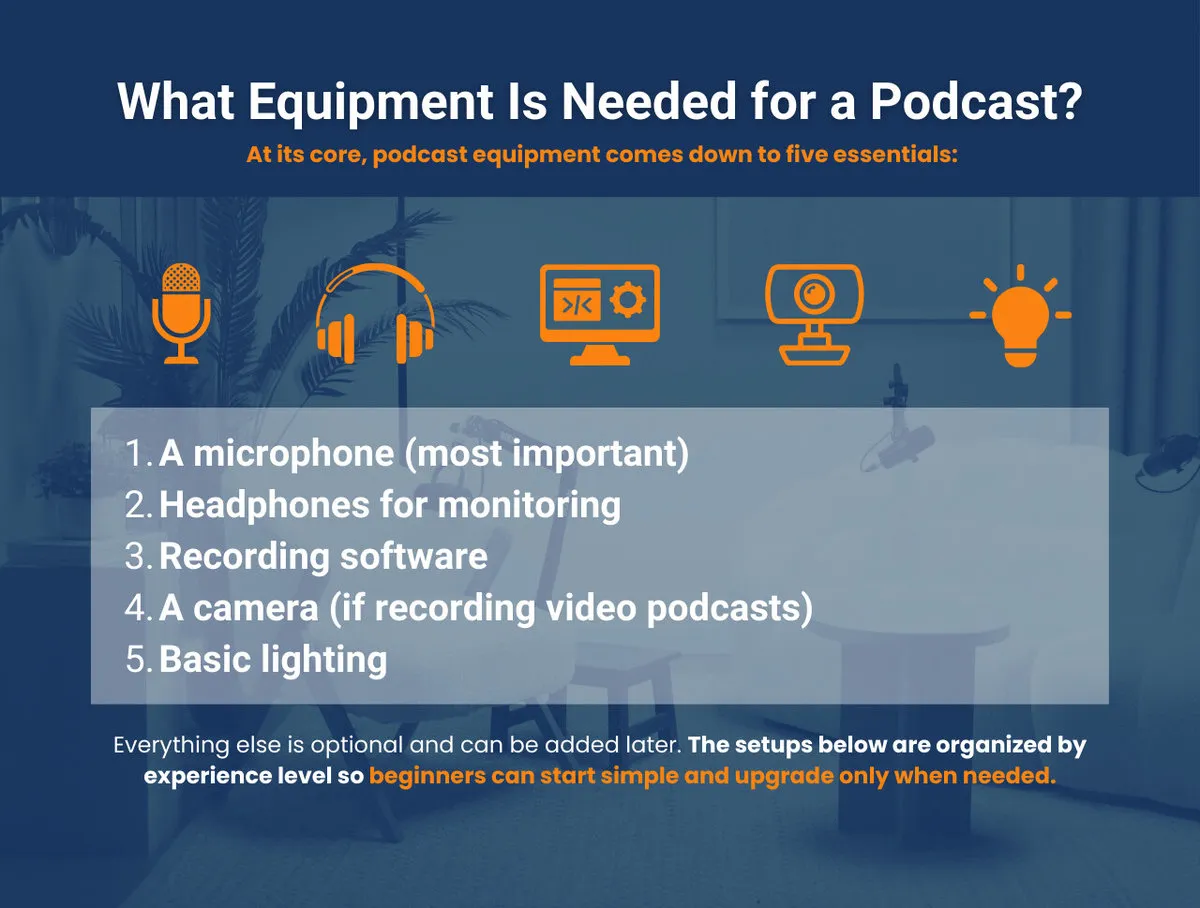
Everything else is optional and can be added later.
The setups below are organized by experience level so beginners can start simple and upgrade only when needed.
1. Basic Starter Podcast Setup – Budget-Friendly & Simple
Best for: First-time podcasters who want better-than-laptop quality with minimal setup and without spending much.
Audio
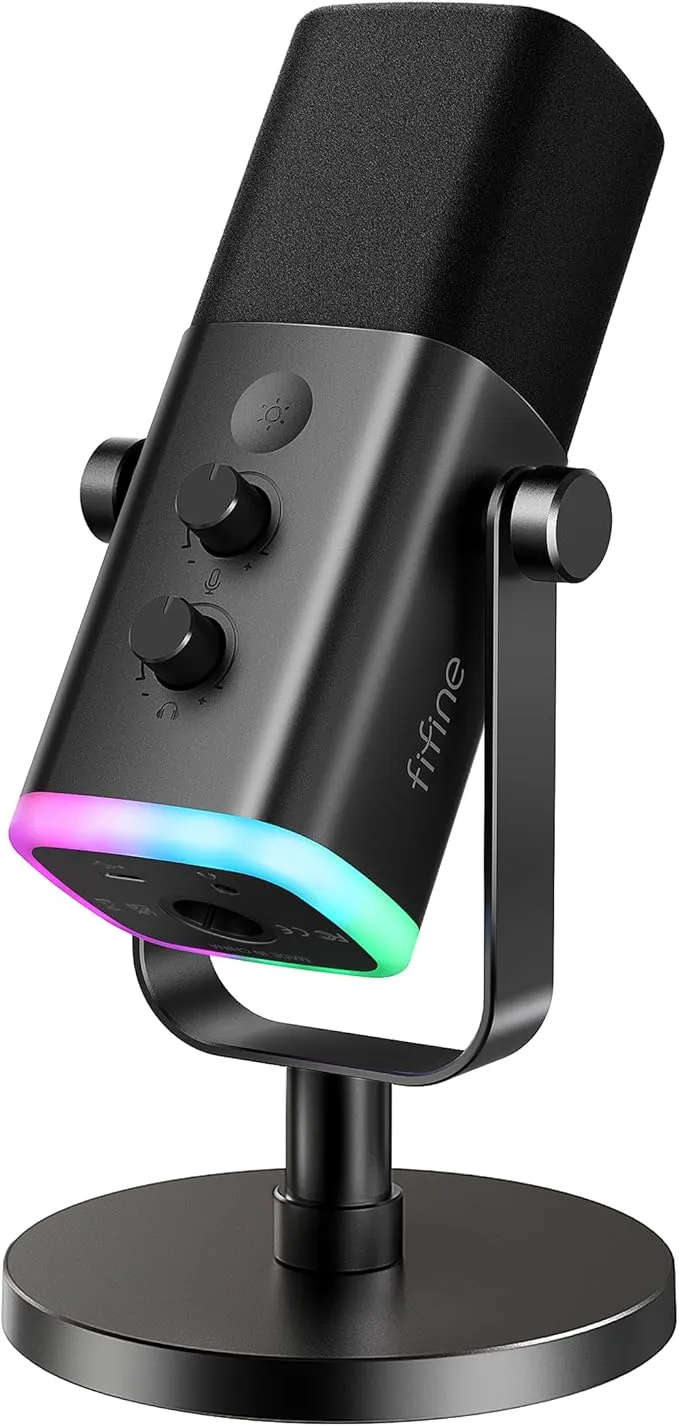
Microphone: FIFINE USB/XLR Dynamic Microphone
- Plug-and-play, good upgrade path
- USB ok for beginners, XLR-ready for future upgrades
- Excellent entry-level podcast recording equipment
Video
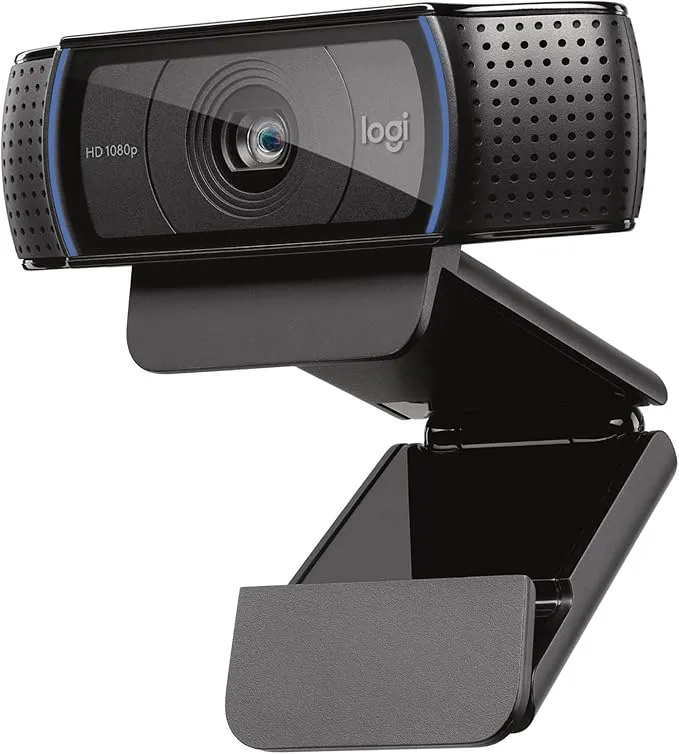
Webcam: Logitech C920x HD Pro
- 1080p video
- Reliable for Zoom, Riverside, and remote interviews
Lighting
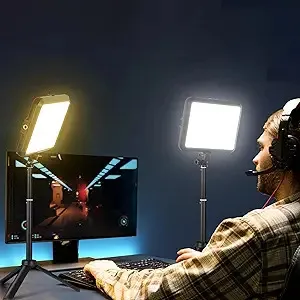
Dimmable Studio Lights with Tripod
Optional Accessories
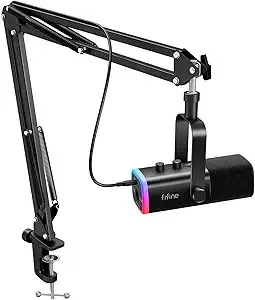
- FIFINE USB/XLR Dynamic Microphone Set (Including Boom Arm)
- Basic pop filter.
Why this works
- Fast setup.
- Low learning curve.
- Clear improvement over basic laptop mic and camera
This is the podcast equipment go-to for beginners who want to start publishing immediately.
Microphone Type | Best For | Pros | Cons |
Dynamic | Untreated rooms, beginners | Forgiving, durable | Less detail |
Condenser | Treated spaces, studio quality | Rich sound, sensitive | Picks up background noise |
USB | Solo podcasters, simplicity | Plug-and-play | Limited flexibility |
XLR | Multi-mic setups, scalability | Professional quality | Requires interface |
2. Recommended Podcast Setup – Balanced Quality & Professional Feel
Best for: Agents doing regular interviews, publishing podcasts consistently and want a more polished, professional look and sound.
Audio
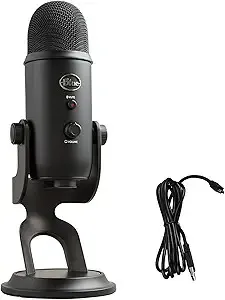
Microphone: Logitech for Creators Blue Yeti USB Microphone
- Clean, full sound
- Simple USB connection
Video
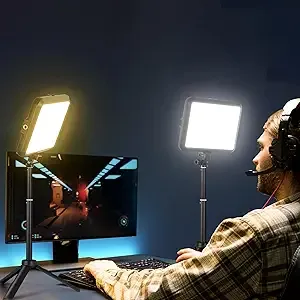
Dimmable Studio Lights with Tripod
Optional Accessories
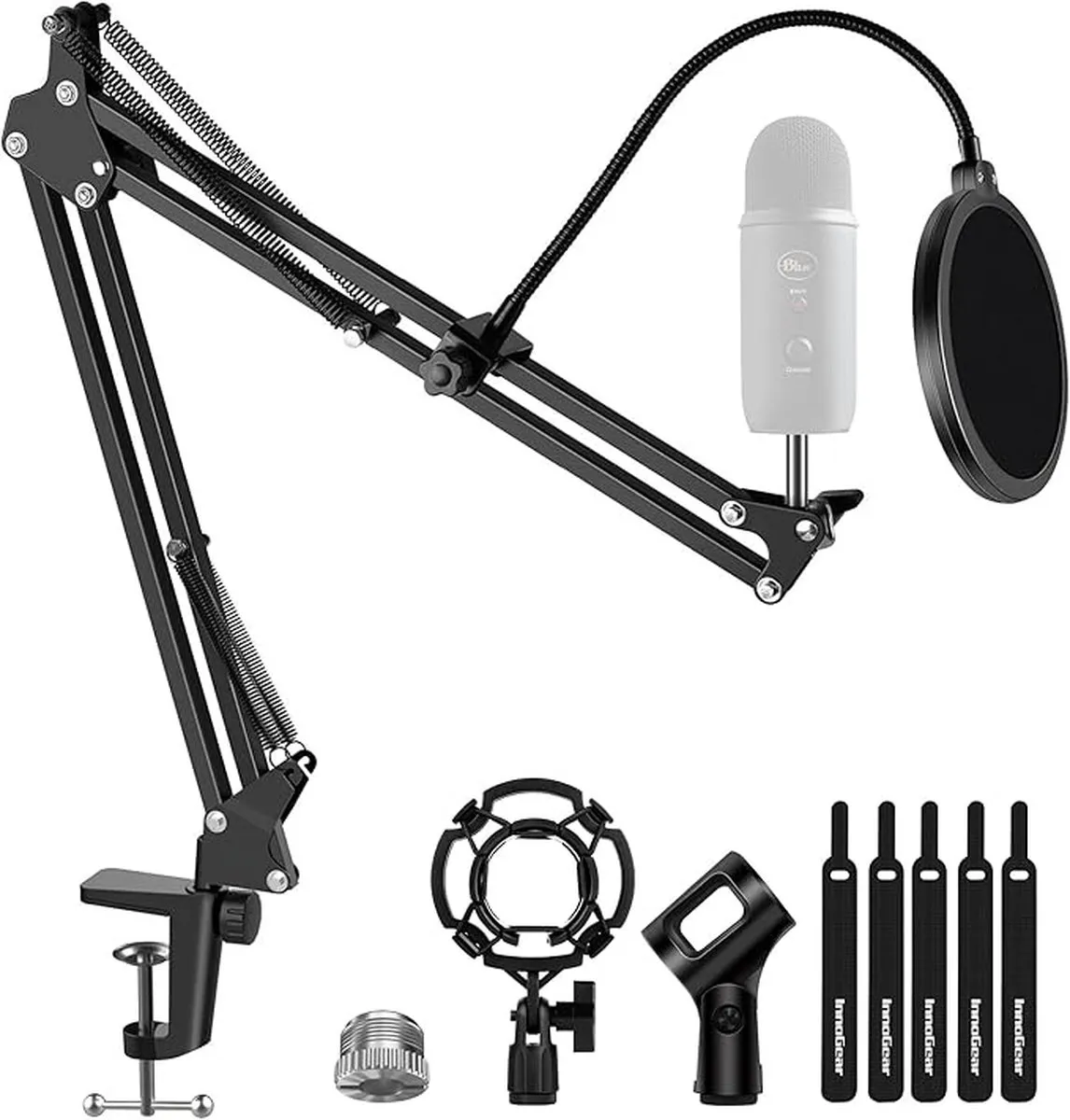
Why this works
- Noticeably more polished sound and video.
- Reliable for weekly publishing.
- Still simple to operate.
3. Advanced/Professional Setup – Studio-Level Quality & Precision
Best for: Podcasters, influencers, and businesses that want high-end audio and video for a professional-level production.
Audio
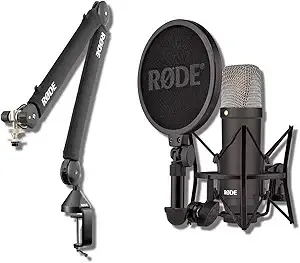
Microphone: Rode NT1 Signature Series - Professional XLR Microphone
- Studio-grade clarity
- Best paired with boom arm and pop filter
Video
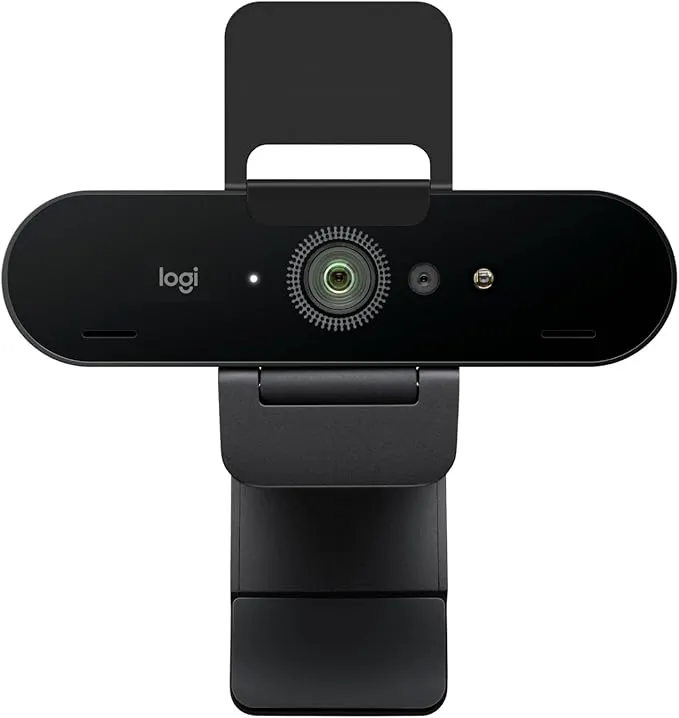
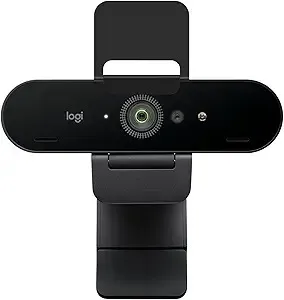
Webcam: Logitech Brio 4K
- As mentioned, this webcam has sharp image quality and works well in low light
Lighting
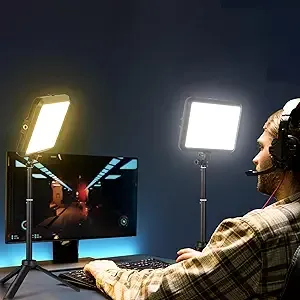
Elgato Key Light Air - Dimmable Studio Lights with Tripod
- Desk-mounted
- App-controlled
- Consistent professional lighting
Why this works
- Broadcast-quality audio.
- Consistent lighting and video.
- Designed for high-output content and brand presence.
If your priority is... | Get this Mic | Get this Camera | Recording Tool |
Lowest Price | FIFINE USB/XLR | Logitech C920x | Zoom / Spotify |
High Ease of Use | Blue Yeti USB | Logitech Brio 4K | |
Best Audio Quality | Rode NT1 (XLR) | Logitech Brio 4K |
Step 3: Podcast Recording Essentials You Need at Any Level
Regardless of setup tier, these are non-negotiable podcast equipment basics.
Essential
USB Microphone (Budget Alternatives)
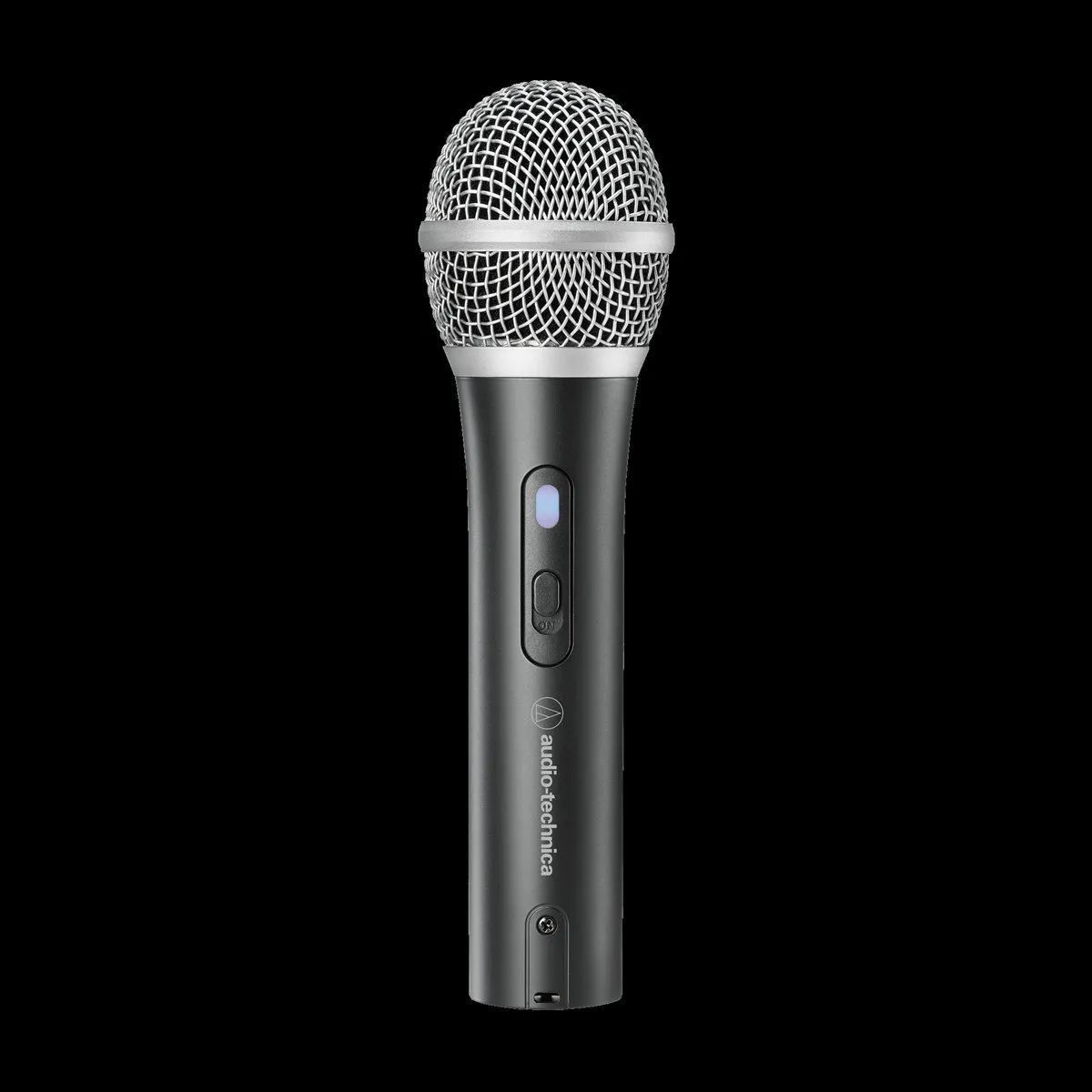
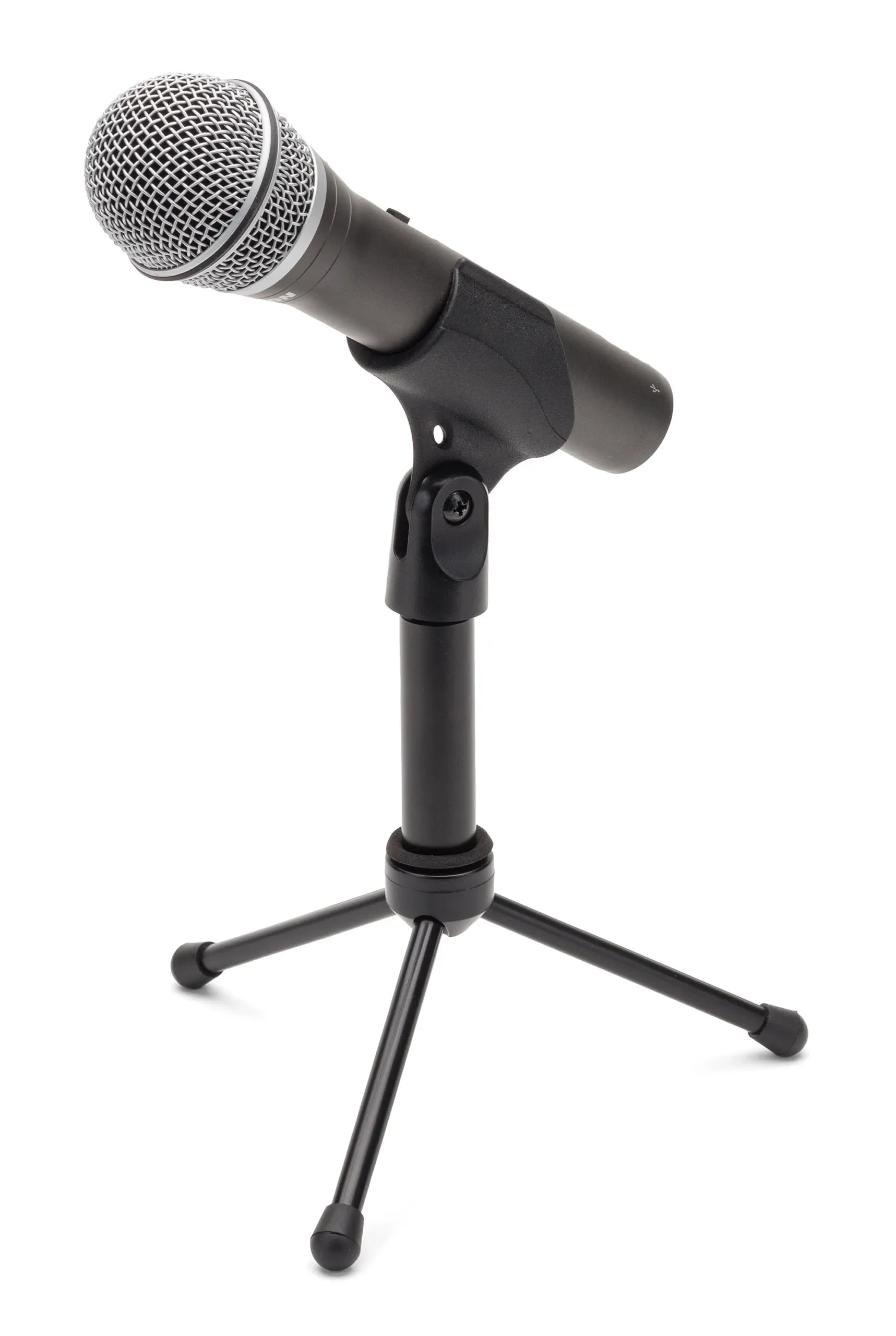
- Samson Q2U (~$70–100)
HeadphonesAny closed-back headphones for monitoring.
Recording Software
- Zoom
- Riverside.fm
- StreamYard
Podcast Hosting Platform
- Buzzsprout
- Libsyn
- Spotify for Podcasters
- Youtube
Nice to Have
- Pop filter ($15–20)
- Boom arm or desk stand ($25–50)
- Basic acoustic treatment or a quiet room
Typical Investment
You can launch a professional-sounding podcast for under $150.
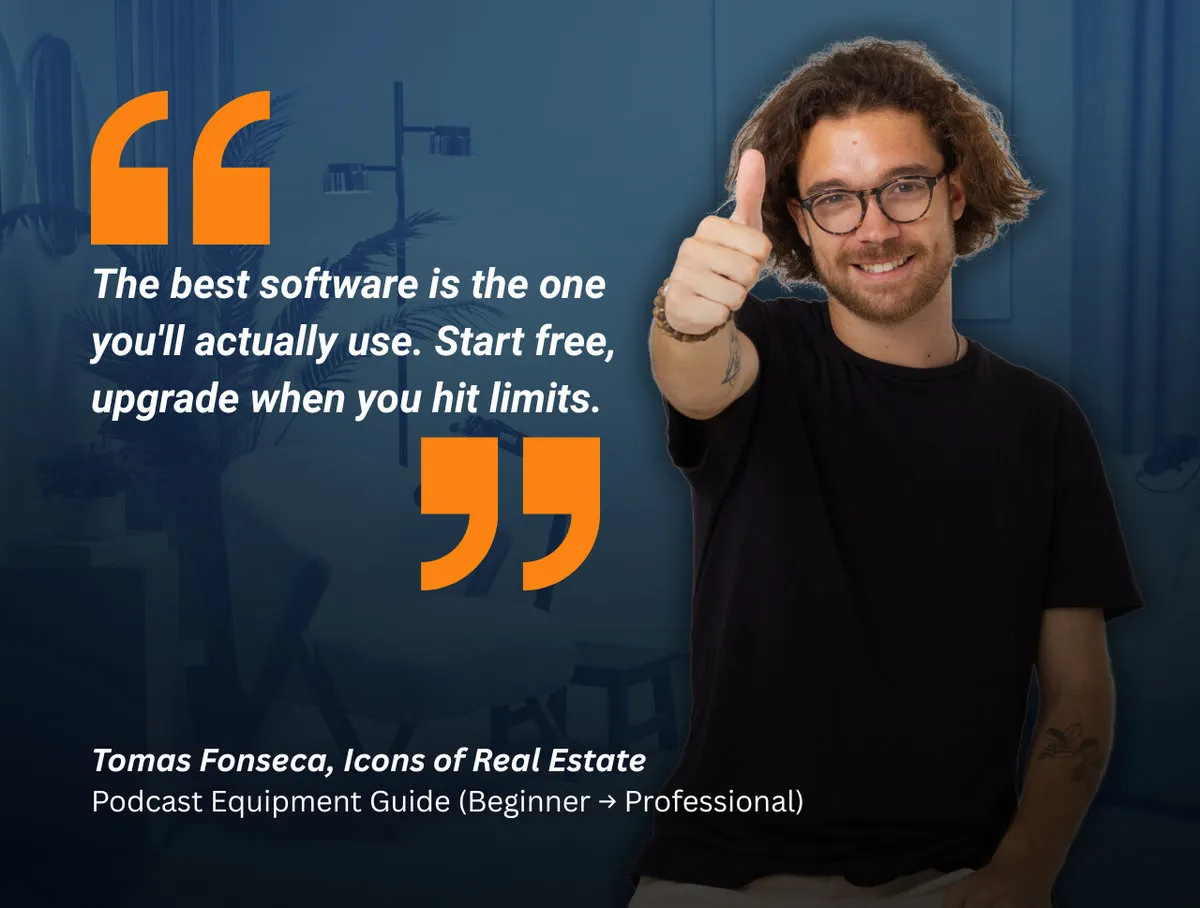
How to Choose the Right Podcast Equipment
When deciding on podcast equipment, consider:
- Your budget (start small, upgrade later)
- Recording environment (quiet room > expensive gear)
- Podcast format (solo, interviews, remote guests)
- Consistency (reliable gear beats complex setups)
Avoid buying professional-level equipment before you need it.
deal setup for:
- Solo podcasts
- Two-person podcasts
- Remote interviews
Podcast Format | Minimum Gear Needed |
Solo | USB mic, headphones, free software |
Two-person (same room) | 2 mics, interface, headphones |
Remote interviews | USB mic, headphones, recording platform |
Ready To Launch Your Real Estate Podcast?
If you want to start a podcast to promote your real estate business, don’t let all the advice and information online overwhelm you.
👉 Related Article: Real Estate Podcasting: The Complete Guide for Agents and Brokers
Just start with the setup that matches where you are today, not where you think you should be.
The best podcast equipment is the setup that helps you start publishing today, not the one that looks best on paper.
You can launch a professional-sounding podcast for under $150, grow your audience, and upgrade your podcast recording equipment as your show evolves.
Start with the setup that fits where you are now—not where you think you should be.
You can always upgrade later. What matters most is getting your podcast live and staying consistent.